A Guide to Professional Services Website Design That Converts
%20(1).avif) Written by Derrick Kityo
Written by Derrick KityoDiscover how to build a high-converting website with our guide to professional services website design. Learn strategies that build trust and drive leads.
A great professional services website is far more than a digital brochure. It’s a strategic tool, meticulously designed to define your brand, connect with your ideal client, and ultimately, build the trust that turns visitors into qualified leads. The best results always come from a solid foundation built on discovery, client persona mapping, and a sharp analysis of your competition . This groundwork ensures every design choice has a purpose.
Building Your Strategic Foundation
Before you even think about colours or layouts, the real work begins. A high-performing website for any professional service—be it a consultancy, law firm, or financial advisor—starts with a clear, intentional strategy. This isn't the flashy part of the project; it’s the deep dive into your business that creates a blueprint for a site that actually delivers.
Think of this initial phase as translating your firm’s identity, goals, and client needs into a tangible digital roadmap. Skipping it is like building a house without architectural plans. It might look okay on the surface, but it won’t have the structural integrity to meet your long-term business goals.
Running Effective Discovery Sessions
The first move is a thorough discovery process. This means getting all the key stakeholders in a room (or on a call) to dig into the essential truths about your business. The aim is to get past the surface-level assumptions and pinpoint what makes your firm genuinely unique.
During discovery, you need to nail down answers to questions like:
- What’s the primary business goal for this site? Is it to generate 20 qualified leads a month? Establish thought leadership? Attract top-tier talent?
- What is our Unique Value Proposition (UVP)? What do we do that nobody else in our space can touch?
- Who is our ideal client? We need to go beyond basic demographics to truly understand their pain points, what motivates them, and what they need to see to trust us with their business.
Getting everyone aligned at this stage prevents costly U-turns and strategic pivots down the line. It also provides the raw material needed for compelling messaging. A key output here is often a comprehensive brand style guide template that captures both your visual identity and your voice.
Understanding Your Audience and Competitors
Once you have a clear internal picture, it’s time to look outwards. This is where you create detailed client personas—not just vague profiles, but research-based avatars of your target audience. These personas guide every user-centric design decision. For instance, a tech startup CEO has vastly different needs and expectations from a website than a risk-averse CFO at a FTSE 100 company.
At the same time, you need to conduct a competitive analysis to find your angle. In the UK, the web design market is incredibly crowded. With around 2,206 registered businesses operating in a market valued at £658.2 million , just "being good" isn't enough. You have to be different.
This analysis isn't about copying what others are doing. It's about spotting the gaps in their strategy and messaging that your firm can exploit. Where is their user experience clunky? What key services are they failing to highlight? What’s the one thing you do better that they can’t claim?
All of these strategic inputs are interconnected, forming the bedrock of your project.
This table breaks down how these crucial components translate into tangible design choices.
Key Elements of Your Website Strategy
Ultimately, this process connects your business objectives directly to the design and content choices you make, ensuring your investment delivers real, measurable results.
The insights you gather here will directly inform everything that follows, from the site’s architecture to the final lines of copy. To see how this foundation directly influences the words on the page, check out our guide on how to approach copy for your website .
Architecting A User-Centric Experience
A great professional services website doesn't just look good; it seamlessly guides visitors from their first click to a final conversion. It’s all about creating a deliberate, logical user journey through smart information architecture. This isn't just about being tidy—it's about building a digital framework that anticipates what a potential client needs and answers their questions before they even think to ask.
Think of this structure as the blueprint for your firm online. A confusing layout makes people hunt for information, leading to frustration and a quick bounce. But a strong, intuitive structure creates a clear path from the homepage to a signed contract, reinforcing your firm's organised, client-first approach every step of the way.
Crafting An Intuitive Sitemap
Your sitemap is the foundational chart of your entire website. It lays out the hierarchy and shows how every page connects, making sure everything has a logical home. For a professional services firm, this means putting yourself in your ideal client's shoes. What's the very first thing they need to know? And what comes next?
Start by mapping out the main sections. Most service-based businesses need a core set of pages to get started:
- Homepage: Your digital front door, summing up your unique value proposition instantly.
- About Us/Our Firm: Where you build trust by telling your story and introducing the team.
- Services: A clear breakdown of what you do, often with dedicated pages for each core offering.
- Case Studies/Work: The proof. Showcasing real results for clients just like them.
- Insights/Blog: Your platform for proving your expertise and attracting organic search traffic.
- Contact: The final, crucial destination for a qualified lead.
From this core, you can branch out with sub-pages. For instance, a management consultancy might list "Operational Efficiency," "Change Management," and "Digital Transformation" under their main "Services" page. This kind of granular structure doesn't just help users find what they need; it also creates highly specific pages that are perfect for targeting valuable, long-tail SEO keywords.
Designing A User Journey That Converts
With a sitemap in place, the next job is to plot the ideal user journey—the exact path you want visitors to follow. This means designing navigation that’s dead simple and predictable. Ditch the clever jargon in your main menu; use straightforward terms like "Services" instead of "Our Innovative Solutions." A visitor should be able to land on any page and know exactly where they are and where to go next in just a few seconds.
A truly client-focused experience is also built to convert. To make sure your site actually guides people toward taking action, you need to understand the various strategies to improve website conversion rates . This comes down to placing clear, compelling calls-to-action (CTAs) at logical points on every single page.
So many sites make the mistake of hiding their main CTA at the very bottom of the page. You need to integrate relevant CTAs throughout your content. A service page, for example, should link directly to a related case study or prompt the user to book a consultation right then and there.
This simple shift turns your website from a passive brochure into an active business development engine. You’re anticipating the user’s next logical question and giving them an immediate answer or action, nurturing them through their decision-making process.
Wireframing For Clarity And Purpose
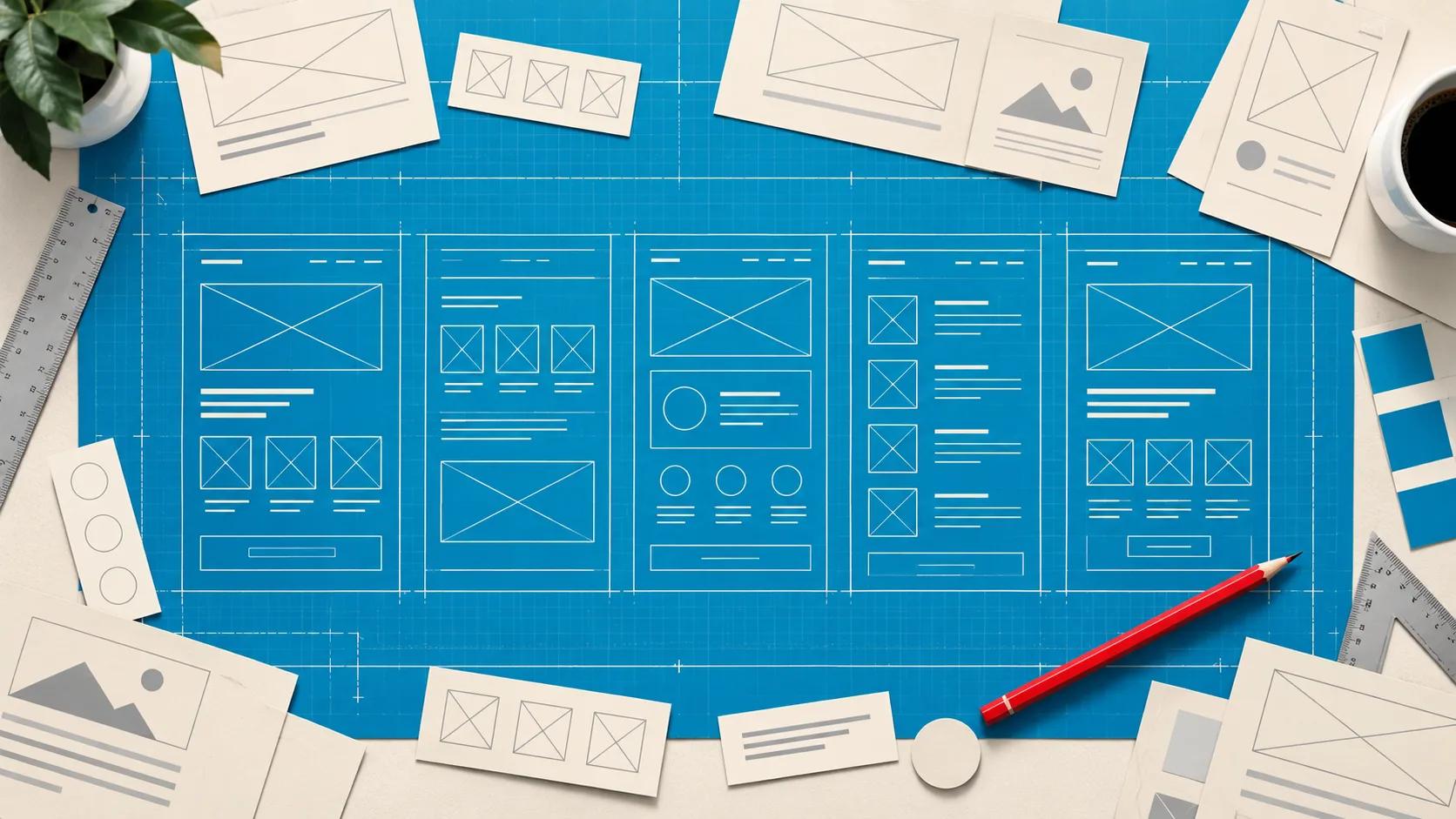
Once you've nailed down the structure and journey, it's time to wireframe. A wireframe is basically a low-fidelity, skeletal outline of a webpage. It's all about structure, content hierarchy, and function—forget about colours, fonts, or images for now. The goal is simply to decide what goes on a page and where it goes.
This process is absolutely essential for your key pages:
- Homepage Wireframe: Must immediately establish your value proposition "above the fold" and direct users to the most important sections.
- Service Page Wireframe: Should follow a simple problem-solution-proof format. Start with the client's pain point, introduce your service as the solution, and back it all up with case studies as proof.
- Contact Page Wireframe: Needs to be as frictionless as possible. Think a simple form, clear contact details, and maybe a map.
Wireframing forces you to prioritise your information and ensures every single element on the page serves a purpose. It’s far easier (and cheaper) to move boxes around on a black-and-white diagram than to overhaul a fully designed and coded page later. If you want a deeper dive into this vital step, there are some great guides on creating a wireframe that can help you translate your strategy into a functional layout.
Designing for Trust and Credibility
For any professional service, your website is your digital handshake. It’s the first impression, the thing that instantly signals your credibility—or lack thereof. This isn’t about chasing flashy design trends; it’s about using timeless principles to build genuine trust with a discerning audience. A law firm’s website shouldn't feel like a tech startup's, and a consultancy’s visual language needs to inspire confidence, not confusion.
Every choice, from the colour palette to the font, sends a subconscious message about your firm's authority and professionalism. Getting these details right is how you begin to turn a sceptical visitor into a confident, qualified lead.
Establishing Authority with Visuals
Long before a single word is read, your visual identity does the heavy lifting. It needs to align perfectly with what your ideal client expects to see. A messy, haphazard visual style implies a messy, haphazard approach to business.
A well-considered colour palette is foundational. Professional services often lean towards blues (signalling trust and stability), greys (sophistication and balance), and deep greens (growth and wealth). These are typically accented with a single, bold colour to draw the eye to calls-to-action.
Typography is just as important. A classic serif font like Garamond or Lora can communicate tradition and expertise, while a clean sans-serif like Lato or Montserrat feels more modern and approachable.
Your imagery should also reinforce your professionalism. Ditch the generic stock photos of people in suits high-fiving in a sterile office. Instead, invest in high-quality, professional headshots of your actual team and custom photography of your workspace. That little bit of authenticity—showing you're a real firm with real people—makes a huge difference.
Placing Strategic Trust Signals
Visuals create the vibe, but trust signals provide the proof. These are the specific elements that validate your claims and show off your track record of success. Where you place them is absolutely key to an effective professional services website design .
Your homepage and key service pages are prime real estate for trust signals. Don't bury your best testimonials or a major industry award on a forgotten "About Us" page. Feature them prominently where potential clients are actively evaluating whether you’re the right fit.
Here are the most powerful trust signals you should be integrating:
- Client Testimonials: Feature direct quotes from happy clients, complete with their name, title, and company. This provides relatable, third-party validation that money can't buy.
- Detailed Case Studies: Go beyond just slapping a client logo on the page. Create in-depth case studies that walk through the client's problem, your specific process, and the measurable results you delivered.
- Industry Awards and Certifications: Displaying logos from respected industry bodies or awards you've won is a quick, visual shorthand for excellence.
- Team Biographies: Introduce the experts behind the work. Detailed bios with photos, credentials, and experience build a personal connection and showcase the collective expertise of your firm.
Making Credibility Effortless for Users
Ultimately, trust is built on a foundation of usability. If a visitor struggles to find the information they need, or the site is a nightmare to use on their phone, their confidence in you will plummet.
Recent UK industry summaries show that usability and mobile responsiveness are top priorities. In fact, for around 60% of users , usability is the single most important design attribute. The message is clear: a seamless experience is non-negotiable. You can discover more insights about these web design statistics and their impact.
This means your design has to be intuitive. Navigation should be simple and predictable, and crucial information like your contact details should be impossible to miss. A clean, uncluttered layout allows your core message and trust signals to shine through without distraction.
When you combine a professional aesthetic with a frictionless user experience, you create a powerful digital environment. It not only looks credible but feels credible, guiding visitors smoothly from prospect to client.
Bringing Your Vision to Life with Webflow
Once the strategic groundwork is laid, the sitemap is logical, and the visual design is signed off, it’s time for the magic to happen. This is where we take a polished Figma design and turn it into a living, breathing asset for your firm. For the kind of custom, high-end finish a professional services business needs, Webflow is our platform of choice for this transformation.
Unlike template-based builders that often box you in, Webflow gives us the creative freedom to build a truly bespoke online presence. It means we can achieve a pixel-perfect build that honours every decision made in Figma, ensuring your brand's digital handshake is exactly as you envisioned. Every spacing detail, font weight, and interaction is meticulously recreated.
Why a Pixel-Perfect Build Matters
Translating a design from Figma to Webflow isn't just about getting it to "look similar." It’s a faithful, one-to-one recreation that locks in brand consistency. This precision is non-negotiable.
Even tiny inconsistencies—a slightly off-brand colour, incorrect spacing between elements, or a clunky animation—can subconsciously chip away at the professionalism and credibility you’ve worked so hard to build. A precise build reflects the same attention to detail you bring to your own client work. It guarantees the user experience we mapped out is executed flawlessly, creating a smooth, confident journey for your potential clients.
Building a Scalable CMS for Your Content
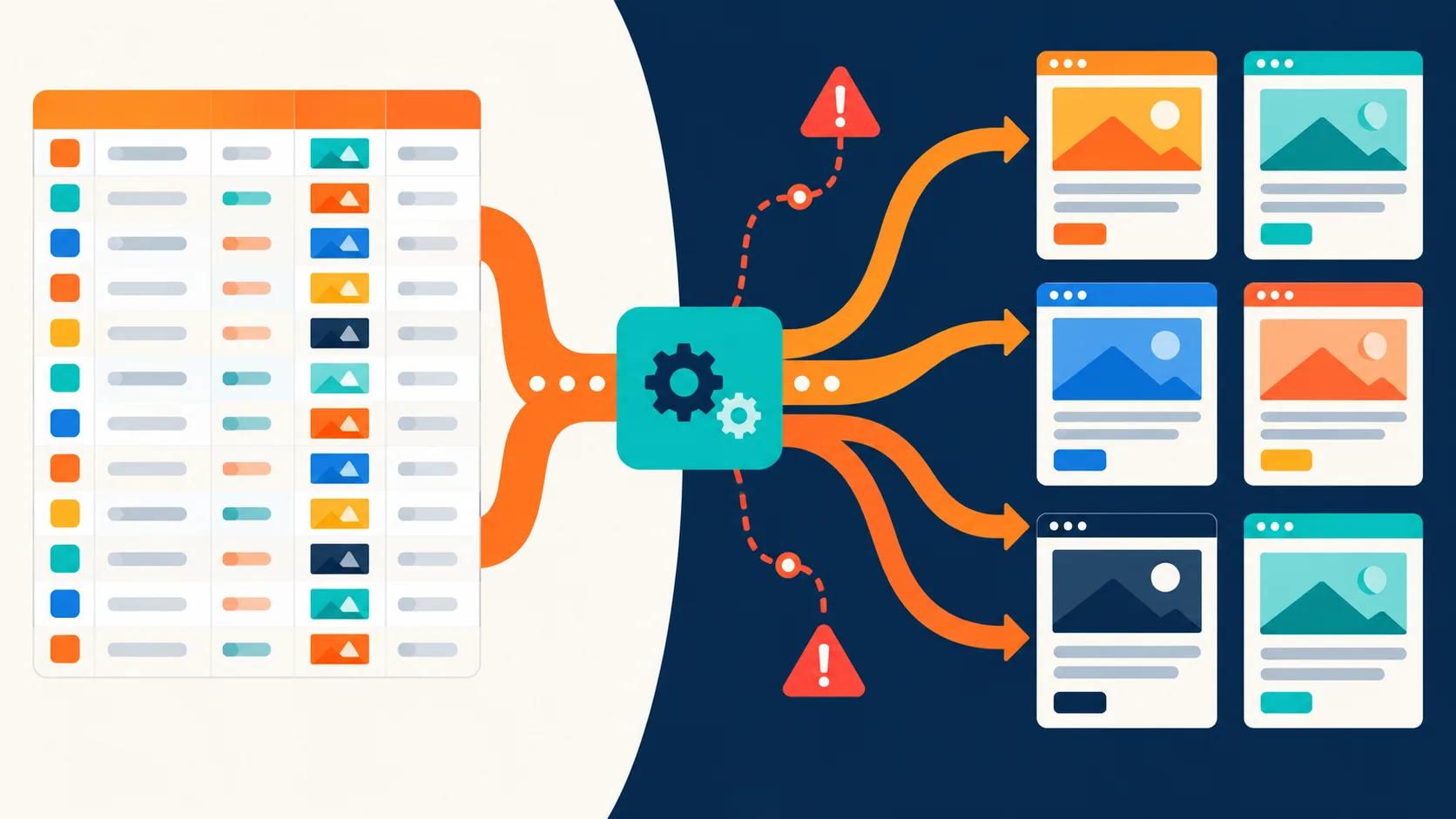
One of Webflow's standout features for service firms is its clean, intuitive Content Management System (CMS). A professional services website isn't a static brochure; it’s a dynamic platform that needs to grow alongside your firm. You need to be able to add new case studies, publish thought leadership, and update team bios without having to call a developer every time.
We structure the Webflow CMS with custom "Collections" for each core content type:
- Services: Each service offering gets its own dedicated entry with fields for descriptions, benefits, and links to related case studies.
- Case Studies: A purpose-built collection to showcase client success stories, detailing the challenge, our solution, and the results.
- Team Members: Makes it simple to update bios, headshots, and professional credentials as your team evolves.
- Blog/Insights: A robust home for publishing articles, complete with categories and author assignments to build your authority.
This setup empowers your marketing team to manage and scale your content effortlessly. A well-organised CMS ensures your website stays fresh, relevant, and continues to draw in organic traffic long after launch, all without being trapped in a rigid, unchangeable structure.
Integrating On-Page SEO from Day One
Great professional services website design weaves SEO into the development process, not as a bolt-on at the end. Webflow gives us granular control over all the crucial on-page SEO elements, letting us build a site that’s primed for search engines from the moment it goes live.
This is about more than just sprinkling in a few keywords. It's about creating a clean, logical structure that search engine crawlers can easily understand and index. During the build, we meticulously implement:
- Proper Heading Structures: Using H1, H2, and H3 tags correctly to signal the hierarchy and importance of your content.
- Custom Meta Titles and Descriptions: Crafting unique, compelling snippets for each page to improve click-through rates from search results.
- Image Alt Text: Writing descriptive alt text for all images to improve accessibility and visibility in image searches.
- Clean URL Structures: Creating simple, readable URLs that clearly reflect the page's content (e.g., /services/financial-consulting ).
By baking these fundamentals into the development process, your new site launches with a rock-solid technical SEO foundation. This gives you a significant head start in ranking for the services your ideal clients are actively searching for.
Want to apply this to your own website or app?
Tell me what you are working on and where it is getting stuck. I will help you turn the useful ideas into shipped work.
Final Checks for a Flawless Launch
You’ve strategised, designed, and built a beautiful website. But a stunning professional services website is only truly effective if it's fast, works perfectly on every device, and is actually visible to search engines. This final stage of quality assurance is what separates a professional launch from a frustrating false start. It's where you make sure all your hard work translates into a flawless user experience from day one.
Before you even think about flipping the switch, a comprehensive series of checks is essential. This isn't just about ticking boxes; it's about pressure-testing the site to catch any little issues that could undermine a visitor's trust or tank your search rankings. A slow-loading page or a broken form can undo all the credibility you've so carefully built.
Optimising for Speed and Performance
Website speed isn't a "nice-to-have"; it's a core part of the user experience. People expect pages to load almost instantly, and even a few seconds of delay can send them clicking away. Slow sites don't just frustrate potential clients—they get penalised by search engines, too.
To deliver that lightning-fast experience, focus on a few key areas:
- Image Compression: Large, unoptimised images are the number one cause of slow load times. Use tools to compress your image files without sacrificing visual quality. Modern formats like WebP offer superior compression and should be your go-to whenever possible.
- Code Minification: This process strips out all the unnecessary characters from your HTML, CSS, and JavaScript files, like white space and comments. The result is smaller files that your visitor's browser can download and process much more quickly.
- Browser Caching: By enabling browser caching, you allow repeat visitors to load your site much faster. Their browser simply stores static files like your logo and stylesheets locally, so it doesn't have to re-download everything on every single visit.
These technical tweaks make a real, tangible difference. A site that loads quickly just feels more professional and keeps impatient users engaged.
Ensuring Cross-Device Responsiveness
Your potential clients will be viewing your site on everything from huge desktop monitors to tablets and smartphones. A seamless experience across all of them isn't optional. Don't just rely on a development preview; you have to do some real-world testing.
Grab your phone—and a friend's, if you can—and open the website on different physical devices ( iOS , Android ) and in various browsers ( Chrome , Safari , Firefox ). Go through every page and interact with every single element. Click all the buttons, fill out every form, and test the navigation from top to bottom.
It's shocking how often a perfectly functional desktop design has a critical flaw on mobile, like a contact form button that's impossible to tap. Finding and fixing these issues before you launch prevents you from alienating a massive chunk of your audience.
This manual testing is your last, best line of defence against a broken user journey.
Final Technical SEO and Analytics Setup
A flawless launch also means being ready for search engines and equipped to measure performance from the very first visitor. This involves a final technical SEO audit to make sure everything is in order.
Your pre-launch SEO checklist absolutely must include:
- Verifying Meta Tags: Double-check that every single page has a unique, descriptive meta title and meta description. These are crucial for attracting clicks from search results pages.
- Checking for Broken Links: Use a crawler tool to scan your entire site for any broken internal or external links. These hurt both user experience and your SEO.
- Confirming XML Sitemap Submission: Make sure your XML sitemap is generated and ready to submit to Google Search Console. This helps Google find and index all your important pages efficiently.
This stage is even more critical if you're moving from an old site to a new one. Meticulous planning is needed to redirect old URLs to their new counterparts, preserving all your existing search engine authority. For a detailed walkthrough, this comprehensive website migration checklist will help you avoid the common pitfalls.
Finally, get your analytics platforms connected. Set up Google Analytics to start tracking visitor behaviour, traffic sources, and conversion goals immediately. At the same time, connect your site to Google Search Console to monitor its health, submit your sitemap, and see which search queries are bringing people to your door.
With these final checks complete, you can launch with total confidence, knowing your new professional services website is fast, functional, and ready to make a powerful first impression.
Answering Your Web Design Questions
Starting a new website project can feel like a huge undertaking. It's a serious investment of both time and money, so it's only natural to have a few questions about the process, the costs, and what you’ll actually get out of it. We get it. Over the years, we've heard them all from professional services firms just like yours.
Think of this section as a straightforward chat about the things our clients ask most. We’ll give you clear answers to help you feel confident about your project, make smart decisions, and understand what a successful professional services website design really involves.
How Much Should a Professional Website Cost?
This is always the first question, and the honest-to-god answer is: it depends. The price tag is tied directly to how big, complex, and customised you need the site to be. A simple, template-based brochure site is going to be worlds away from a completely bespoke website with unique interactive features and a custom CMS.
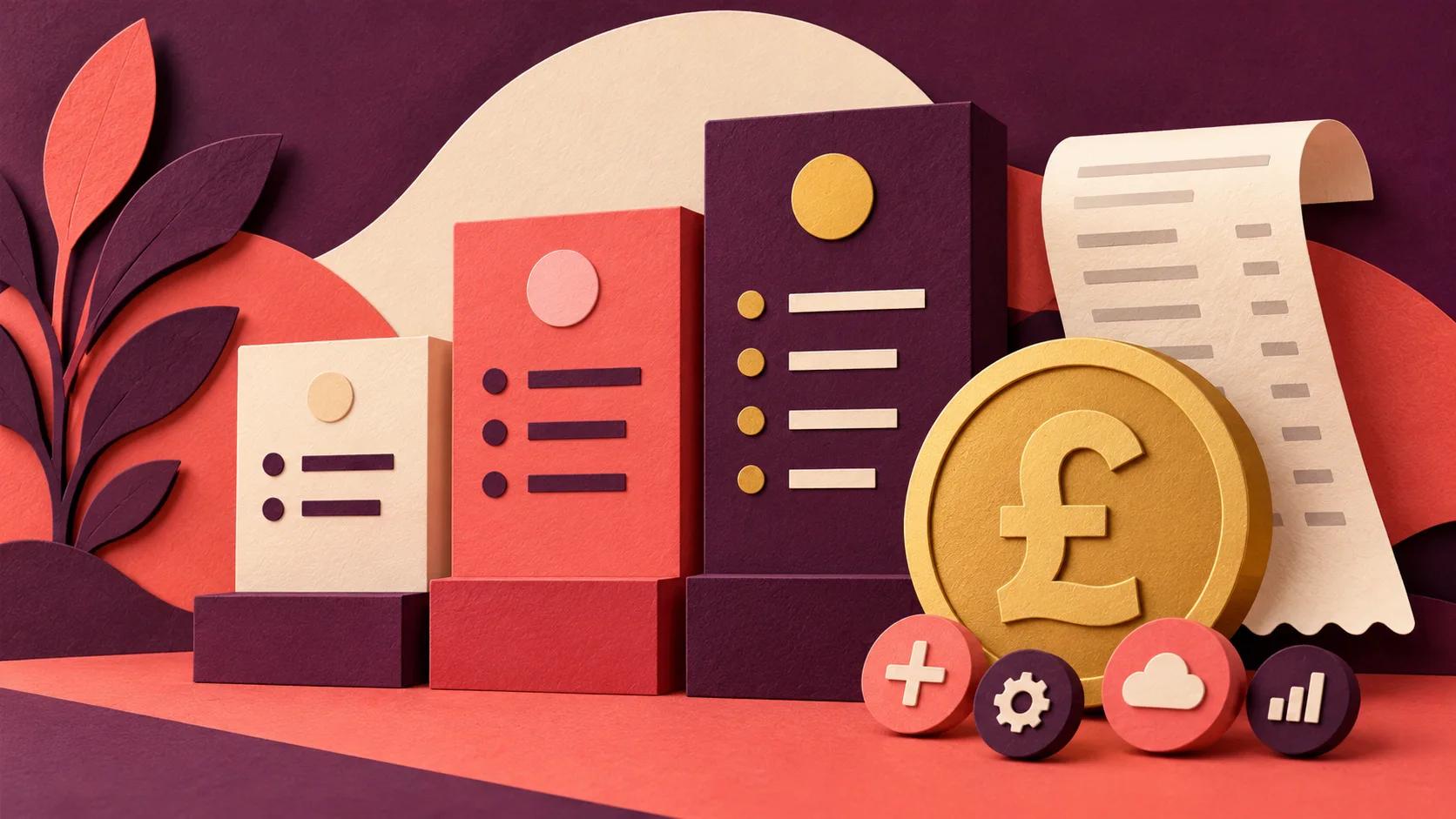
To give you a clearer picture, costs generally fall into three brackets:
- DIY Builders (£500 - £2,000): Platforms like Squarespace have low upfront costs, but the hidden price is your own time. You're on the hook for everything—strategy, content, design, SEO—and that’s a massive learning curve if you're not an expert.
- Template-Based Designers (£3,000 - £7,000): This usually means taking a pre-built theme and tweaking it. It’s faster, sure, but you can end up with a site that looks like everyone else's and isn't truly built around your specific business goals.
- Custom Design & Build (£10,000 - £25,000+): For a website that actually works as a business tool, this is the realistic range. This price reflects a strategic partnership, covering everything from discovery and UX/UI design to a custom Webflow build, content integration, and solid SEO foundations.
When you invest in a custom build, you aren't just buying a pretty design. You're investing in a strategic asset, engineered from the ground up to attract and convert your ideal clients. The higher upfront cost is almost always cancelled out by a far greater return on investment.
How Long Does the Website Design Process Take?
Just like cost, the timeline is all about the scope. A typical custom project for a professional services firm, from the first conversation to launch day, usually lands somewhere between 8 to 16 weeks . Trying to rush it almost always backfires and leads to a weaker final product.
Here’s what that timeline actually looks like in practice:
- Strategy & Discovery (1-3 weeks): This is the foundation. We run workshops, dig into your competitors, and get crystal clear on your goals and audience.
- Sitemap & Wireframing (1-2 weeks): Next, we map out the entire structure of the site and create a simple blueprint for each key page.
- Visual Design (2-4 weeks): This is where the magic happens. We craft the visual identity in Figma , creating detailed mockups for you to review.
- Development & Build (3-6 weeks): Once the designs are signed off, we bring them to life in Webflow, building a fully functional and responsive website.
- Content & SEO (Ongoing): We work with you to populate the site with high-quality content and implement all the on-page SEO essentials.
- Testing & Launch (1 week): Before we flick the switch, we put the site through its paces with rigorous testing to iron out any kinks.
The one thing that keeps a project on track? Quick, decisive feedback from you and your team.
Do I Really Need a Blog or Insights Section?
Yes. Absolutely, one hundred percent. For a professional services firm, your expertise is the product. A blog or insights section is the single best way to show that expertise to the world. It’s not about churning out daily updates; it's about creating genuinely valuable content that solves your ideal clients' biggest problems.
A well-executed blog will:
- Drive Organic Traffic: Every article is a new doorway for people to find you through search engines using the exact keywords they’re typing in.
- Build Trust and Authority: It’s proof you know your stuff. You’re not just selling a service; you're a thought leader in your field.
- Generate Qualified Leads: By writing about specific pain points, you attract people who are already looking for the solutions you offer.
Think of it as your best business development person, working 24/7. While you're busy with client work, your content is out there building relationships and warming up future leads.
What’s More Important: Design or Content?
Ah, the classic chicken-or-egg debate. The real answer is that they are two sides of the same coin. You simply can't have a great website if one is weak.
Amazing design with weak content is like a beautiful, empty picture frame. It might catch your eye for a second, but visitors will leave the moment they realise there's nothing of substance inside. Flip that around, and you could have the most brilliant, insightful content in the world, but if it’s on a site that's ugly and impossible to navigate, no one will stick around long enough to read it.
A truly effective professional services website design treats them as an inseparable pair. The design provides the structure and visual cues that make the content a joy to read, while the content is what gives the design its purpose and value.
At Derrick.dk , we specialise in turning strategy into high-performing Webflow sites that convert clicks into customers. If you're ready to build a website that serves as a powerful engine for business growth, let's talk. Book a call to get started at https://derrick.dk .

.jpg)