


01
Workflow map
A shared view of the trigger, decisions, owners, data sources and places the current process fails.
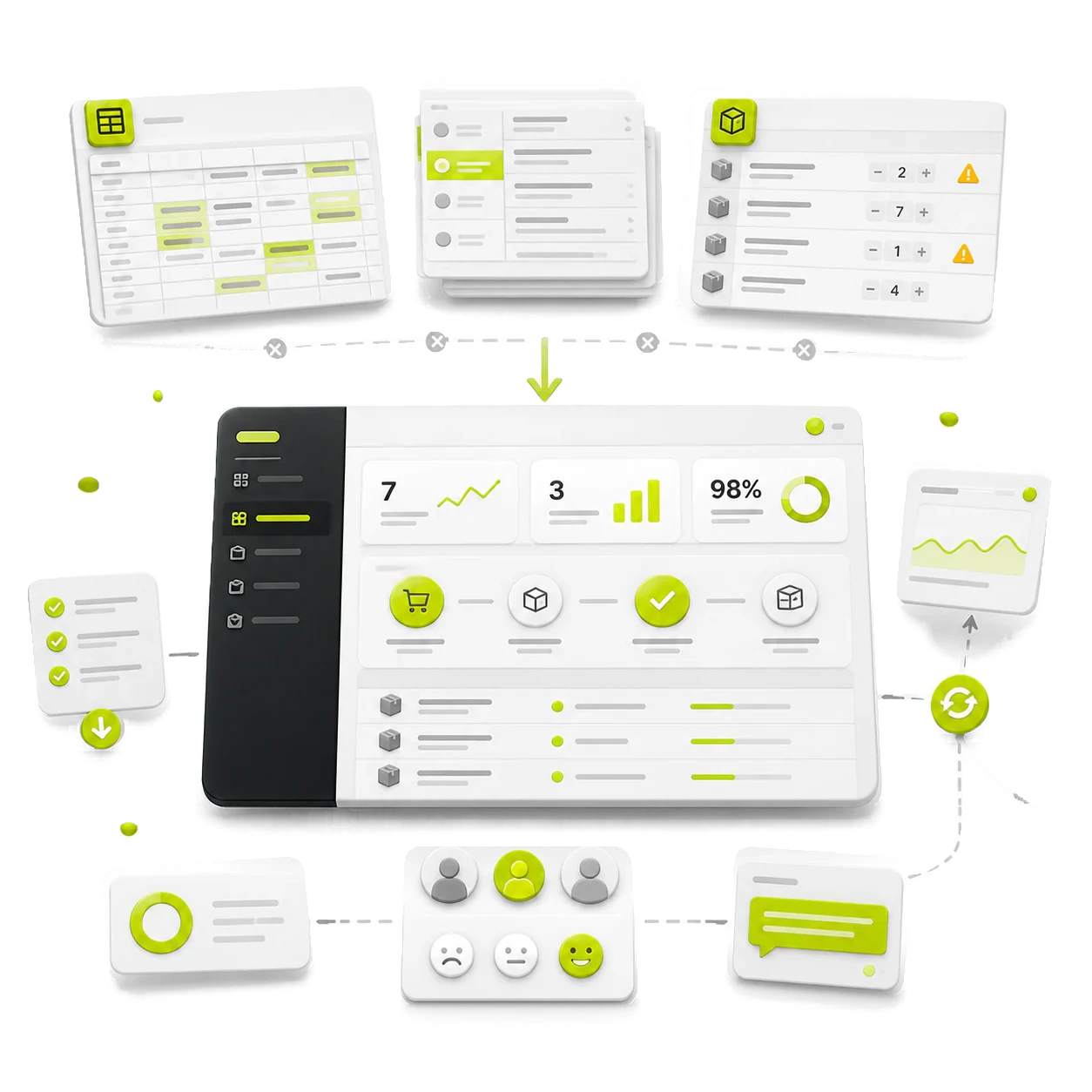
I build focused internal tools around the workflow your team already runs. The aim is fewer handoffs, clearer ownership and less time moving information between systems.
Selected teams I have worked with


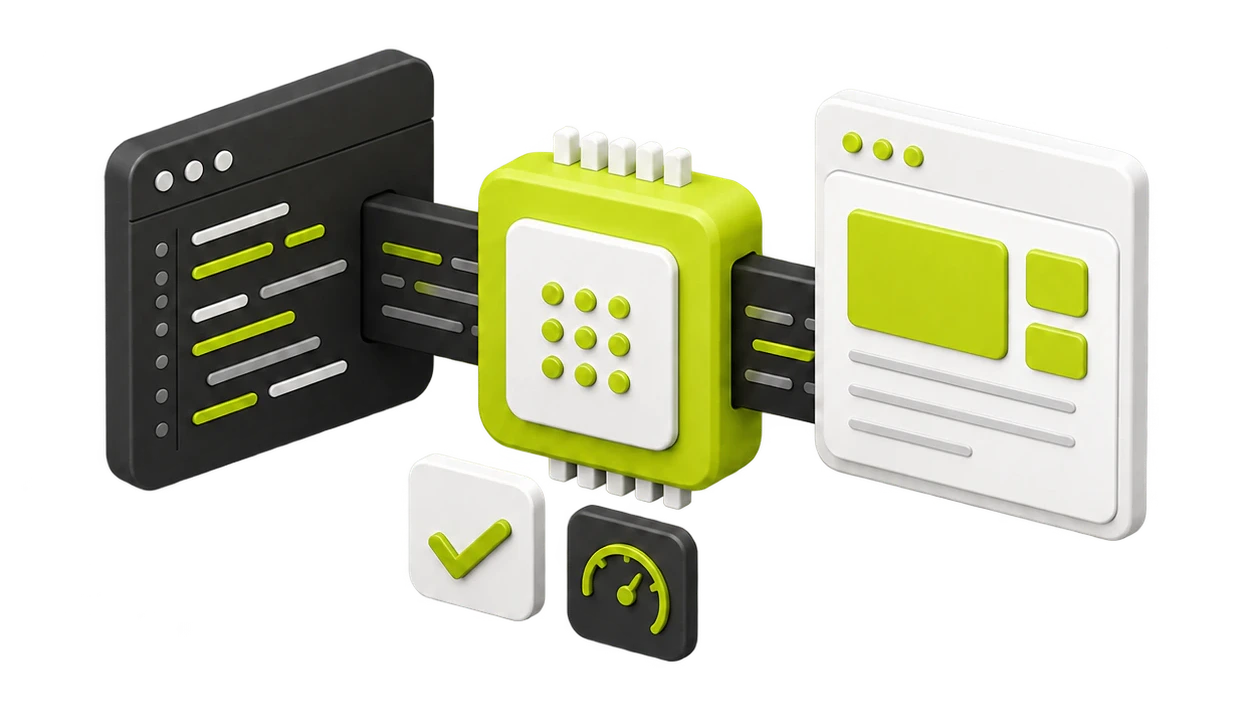
The interface is only part of the work. A useful internal tool needs accurate data, sensible permissions, exception handling and a place in the team’s actual day.
Swipe to explore
Workflow
I follow a real piece of work from its trigger to completion with the people who actually handle it. We map decisions, owners, handoffs, data sources and the exceptions that create delay or rework. This creates a shared view of the problem before an interface is designed and often reveals improvements that do not require custom software.
Workspace
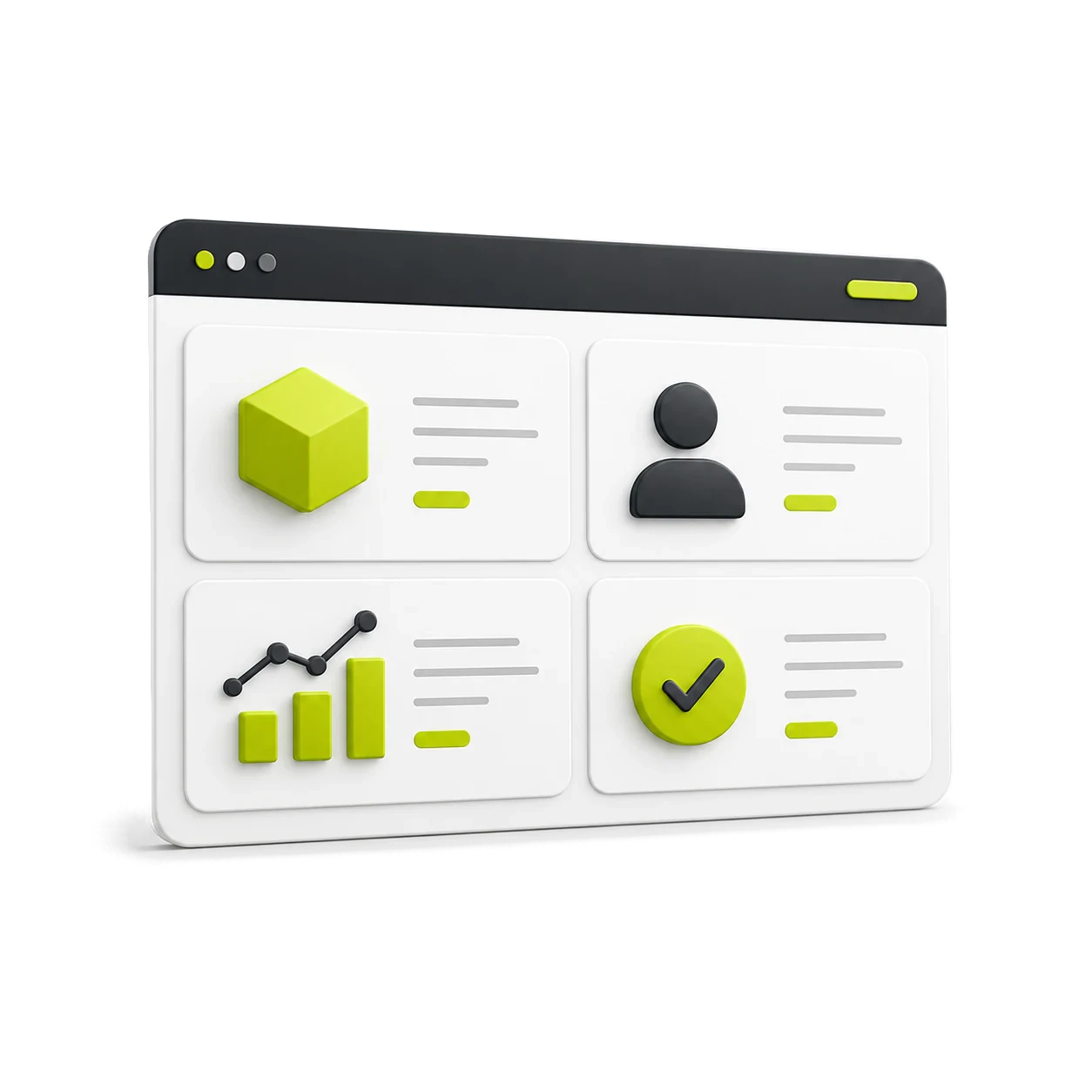
The workspace is organised around the decisions and actions each role needs to take. Forms, views, status changes and approvals are kept focused, instead of copying every spreadsheet column into a new screen. People can see what needs attention, understand ownership and complete the job without learning another complicated system.

Integrations
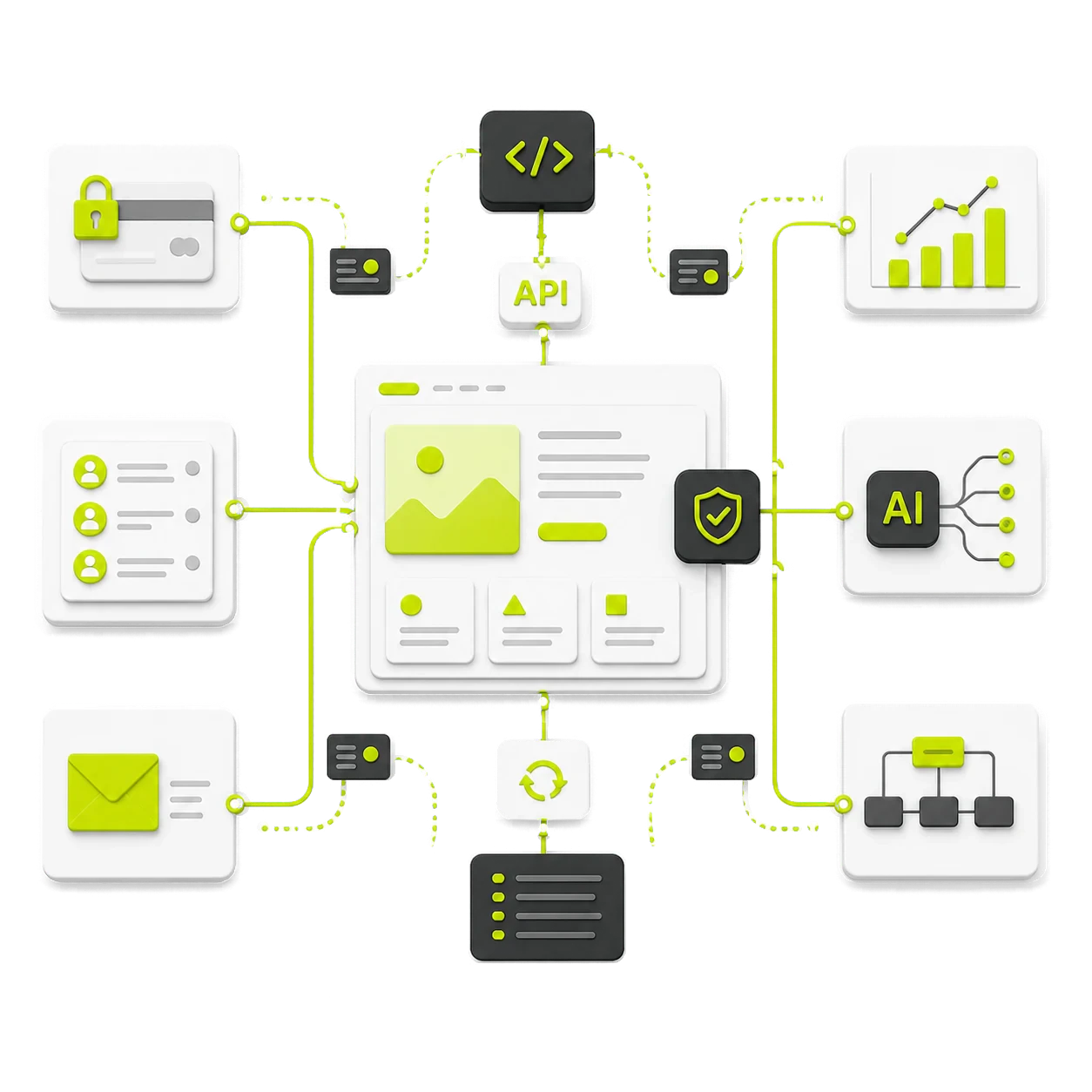
I connect the tool to the CRM, database, email or other systems that already hold useful information. We agree the source of truth, identifiers, permissions and what should happen when a sync fails or creates a duplicate. Clear error handling and useful alerts make the workflow safer than a collection of hidden automations.
Ownership
The team should know who can access the tool, who owns its data and how changes are requested after launch. I provide practical documentation, useful alerts and a prioritised backlog based on real use. Accounts and core services are kept under client control wherever possible, so the system remains maintainable beyond the initial build.
Relevant work and thinking
I trace one job from start to finish with the people doing it, including exceptions and the handoffs that create delay.
We keep useful existing systems and build only the missing workflow, permissions or integration layer.
The team tests with real cases, sees what changed and gets a clear route for support and improvement.
Walk me through the workflow and where it breaks. I can help decide whether to improve the current tools, automate a step or build a focused internal app.
"As I grow in my business, I need services to grow with, Derrick is that service when it comes to my website. He is patient, listens and takes onboard the changes I want in a timely manner. My website changes and develops with the needs of my clients and my offer which is great. He also brings new ideas and perspectives in how to improve and grow in line with my goals and business needs. I look forward seeing how this new phase develops."

Karin Young
Psychotherapist · Karin Counselling

"Derrick has been a great help in getting our SaaS website up and running. He is very knowledgeable in Webflow and was able to help us get the most out of the platform. His design skills are excellent and he was able to create a custom function-filled website that looks great and operates perfectly. I would highly recommend Derrick to anyone looking for a web designer who knows his stuff!"

Taita Ngetich
CEO · Synnefa

"Derrick is just great to work with! He's super fast, always responds in a timely manner, and is very flexible with last-minute requests. His Webflow development skills are rock solid and he has no problems keeping up with the fast pace of early-stage startups."

Carla Nassisi
Growth · Briink

"It has been a pleasure to work with Derrick! He delivered a pixel-perfect website for LLI, which not only looks and performs well but is also very organised and simple to maintain! During the process, he had the patience to clear all the incoming doubts that occurred when we were transitioning from one platform to another, and he not only delivered a great site but also tutorials on how to manage it."

Isabelle Krauze
UX Lead · LLInformatics

"Derrick is a gem of a person and a wealth of knowledge. He was so patient and helpful when explaining the more intricate parts of Webflow and bouncing around different possible solutions. He really knows the ins and outs of Webflow — it's no wonder that he's a certified Webflow Expert! I'm looking forward to the day when I get to work with him again."

Diana Donaldson
CEO · Be Indigo

"Derrick helped us redesign and build our site on Webflow and we couldn't be more pleased with the entire project. Derrick is very easy to communicate with, fast and efficient, and takes time to ask questions and provide suggestions where necessary. He has a great balance of technical and visual knowledge, which helped us build a fast, SEO-optimized site that looks great and is on-brand. Would happily hire Derrick again!"

Eliza Gerland
Strategic Marketer · UFODrive

"As I grow in my business, I need services to grow with, Derrick is that service when it comes to my website. He is patient, listens and takes onboard the changes I want in a timely manner. My website changes and develops with the needs of my clients and my offer which is great. He also brings new ideas and perspectives in how to improve and grow in line with my goals and business needs. I look forward seeing how this new phase develops."
Karin Young
Psychotherapist · Karin Counselling
"Derrick has been a great help in getting our SaaS website up and running. He is very knowledgeable in Webflow and was able to help us get the most out of the platform. His design skills are excellent and he was able to create a custom function-filled website that looks great and operates perfectly. I would highly recommend Derrick to anyone looking for a web designer who knows his stuff!"
Taita Ngetich
CEO · Synnefa
"Derrick is just great to work with! He's super fast, always responds in a timely manner, and is very flexible with last-minute requests. His Webflow development skills are rock solid and he has no problems keeping up with the fast pace of early-stage startups."
Carla Nassisi
Growth · Briink
"It has been a pleasure to work with Derrick! He delivered a pixel-perfect website for LLI, which not only looks and performs well but is also very organised and simple to maintain! During the process, he had the patience to clear all the incoming doubts that occurred when we were transitioning from one platform to another, and he not only delivered a great site but also tutorials on how to manage it."
Isabelle Krauze
UX Lead · LLInformatics
"Derrick is a gem of a person and a wealth of knowledge. He was so patient and helpful when explaining the more intricate parts of Webflow and bouncing around different possible solutions. He really knows the ins and outs of Webflow — it's no wonder that he's a certified Webflow Expert! I'm looking forward to the day when I get to work with him again."
Diana Donaldson
CEO · Be Indigo
"Derrick helped us redesign and build our site on Webflow and we couldn't be more pleased with the entire project. Derrick is very easy to communicate with, fast and efficient, and takes time to ask questions and provide suggestions where necessary. He has a great balance of technical and visual knowledge, which helped us build a fast, SEO-optimized site that looks great and is on-brand. Would happily hire Derrick again!"
Eliza Gerland
Strategic Marketer · UFODrive
"As I grow in my business, I need services to grow with, Derrick is that service when it comes to my website. He is patient, listens and takes onboard the changes I want in a timely manner. My website changes and develops with the needs of my clients and my offer which is great. He also brings new ideas and perspectives in how to improve and grow in line with my goals and business needs. I look forward seeing how this new phase develops."
Karin Young
Psychotherapist · Karin Counselling
"Derrick has been a great help in getting our SaaS website up and running. He is very knowledgeable in Webflow and was able to help us get the most out of the platform. His design skills are excellent and he was able to create a custom function-filled website that looks great and operates perfectly. I would highly recommend Derrick to anyone looking for a web designer who knows his stuff!"
Taita Ngetich
CEO · Synnefa
"Derrick is just great to work with! He's super fast, always responds in a timely manner, and is very flexible with last-minute requests. His Webflow development skills are rock solid and he has no problems keeping up with the fast pace of early-stage startups."
Carla Nassisi
Growth · Briink
"It has been a pleasure to work with Derrick! He delivered a pixel-perfect website for LLI, which not only looks and performs well but is also very organised and simple to maintain! During the process, he had the patience to clear all the incoming doubts that occurred when we were transitioning from one platform to another, and he not only delivered a great site but also tutorials on how to manage it."
Isabelle Krauze
UX Lead · LLInformatics
"Derrick is a gem of a person and a wealth of knowledge. He was so patient and helpful when explaining the more intricate parts of Webflow and bouncing around different possible solutions. He really knows the ins and outs of Webflow — it's no wonder that he's a certified Webflow Expert! I'm looking forward to the day when I get to work with him again."
Diana Donaldson
CEO · Be Indigo
"Derrick helped us redesign and build our site on Webflow and we couldn't be more pleased with the entire project. Derrick is very easy to communicate with, fast and efficient, and takes time to ask questions and provide suggestions where necessary. He has a great balance of technical and visual knowledge, which helped us build a fast, SEO-optimized site that looks great and is on-brand. Would happily hire Derrick again!"
Eliza Gerland
Strategic Marketer · UFODrive
"As I grow in my business, I need services to grow with, Derrick is that service when it comes to my website. He is patient, listens and takes onboard the changes I want in a timely manner. My website changes and develops with the needs of my clients and my offer which is great. He also brings new ideas and perspectives in how to improve and grow in line with my goals and business needs. I look forward seeing how this new phase develops."
Karin Young
Psychotherapist · Karin Counselling
"Derrick has been a great help in getting our SaaS website up and running. He is very knowledgeable in Webflow and was able to help us get the most out of the platform. His design skills are excellent and he was able to create a custom function-filled website that looks great and operates perfectly. I would highly recommend Derrick to anyone looking for a web designer who knows his stuff!"
Taita Ngetich
CEO · Synnefa
"Derrick is just great to work with! He's super fast, always responds in a timely manner, and is very flexible with last-minute requests. His Webflow development skills are rock solid and he has no problems keeping up with the fast pace of early-stage startups."
Carla Nassisi
Growth · Briink
"It has been a pleasure to work with Derrick! He delivered a pixel-perfect website for LLI, which not only looks and performs well but is also very organised and simple to maintain! During the process, he had the patience to clear all the incoming doubts that occurred when we were transitioning from one platform to another, and he not only delivered a great site but also tutorials on how to manage it."
Isabelle Krauze
UX Lead · LLInformatics
"Derrick is a gem of a person and a wealth of knowledge. He was so patient and helpful when explaining the more intricate parts of Webflow and bouncing around different possible solutions. He really knows the ins and outs of Webflow — it's no wonder that he's a certified Webflow Expert! I'm looking forward to the day when I get to work with him again."
Diana Donaldson
CEO · Be Indigo
"Derrick helped us redesign and build our site on Webflow and we couldn't be more pleased with the entire project. Derrick is very easy to communicate with, fast and efficient, and takes time to ask questions and provide suggestions where necessary. He has a great balance of technical and visual knowledge, which helped us build a fast, SEO-optimized site that looks great and is on-brand. Would happily hire Derrick again!"
Eliza Gerland
Strategic Marketer · UFODrive
Need a website or app built, improved, managed or automated? Tell me what is getting in the way and I’ll help you work out the next step.
Clear answers about scope, process and what happens next.
Not always custom software. If the current tools can support the workflow safely, a better setup or a small automation may be enough. I start with the job and the failure points before choosing the build.
Usually, subject to the systems and permissions involved. I scope data ownership, error handling and who can change records before connecting the interface.
I test with real tasks, keep the first release focused, document the key actions and give the team a clear support path. Adoption matters more than a long feature list.
Yes, and that is often the safer route. We can improve one repeated process, connect only the systems it needs and learn from daily use before expanding the tool.
Ownership is agreed before the build. I prefer accounts, repositories and data stores that the client controls, with clear documentation for the services involved and a practical handover path.
Access is designed around real roles and the minimum information each person needs. Authentication, permissions, audit needs and data handling are scoped early, and I flag work that needs a dedicated security or compliance specialist.
I work across product marketing and engineering, turning ideas into useful digital products and improving how they perform after launch.

.jpg)

.svg)

